
Know what sold. Show what's next.
Private sites for each of your buyers, only for their category. Find out how your orders actually sold, from your buyers or your retailers' own reports, and show new lines between appointments.
Open any example as the buyer, then switch to Amrapur's report to see what comes back.
See it in 40 seconds
01 · Know what sold

How did your orders sell?
Each buyer gets a private site with every style they bought from you over a period you choose. They rate how each one sold and add comments, and you get a clear report back before your next meeting.
- Built from your order sheets. Every style with its CAD and product photo, plus PO, delivery date and units.
- Any period. A season, a program, or everything delivered since a date you pick.
- Quick for the buyer. A few minutes on any device. They can stop and pick up where they left off.
- A report you can act on. What to reorder, what to rework, what to drop, with every comment.
- Set up your way. Who gets the report, the rating scale and the period are configured for Amrapur.
For retailers that already send you reports
Selling report dashboards
We take the selling reports your retailers send (weekly PDFs, spreadsheets or portal exports) and match every row to the style, color and product image. You see what's selling at a glance: best to slow, the trend for each style, what to reorder and what's at risk of markdown.
See a sample report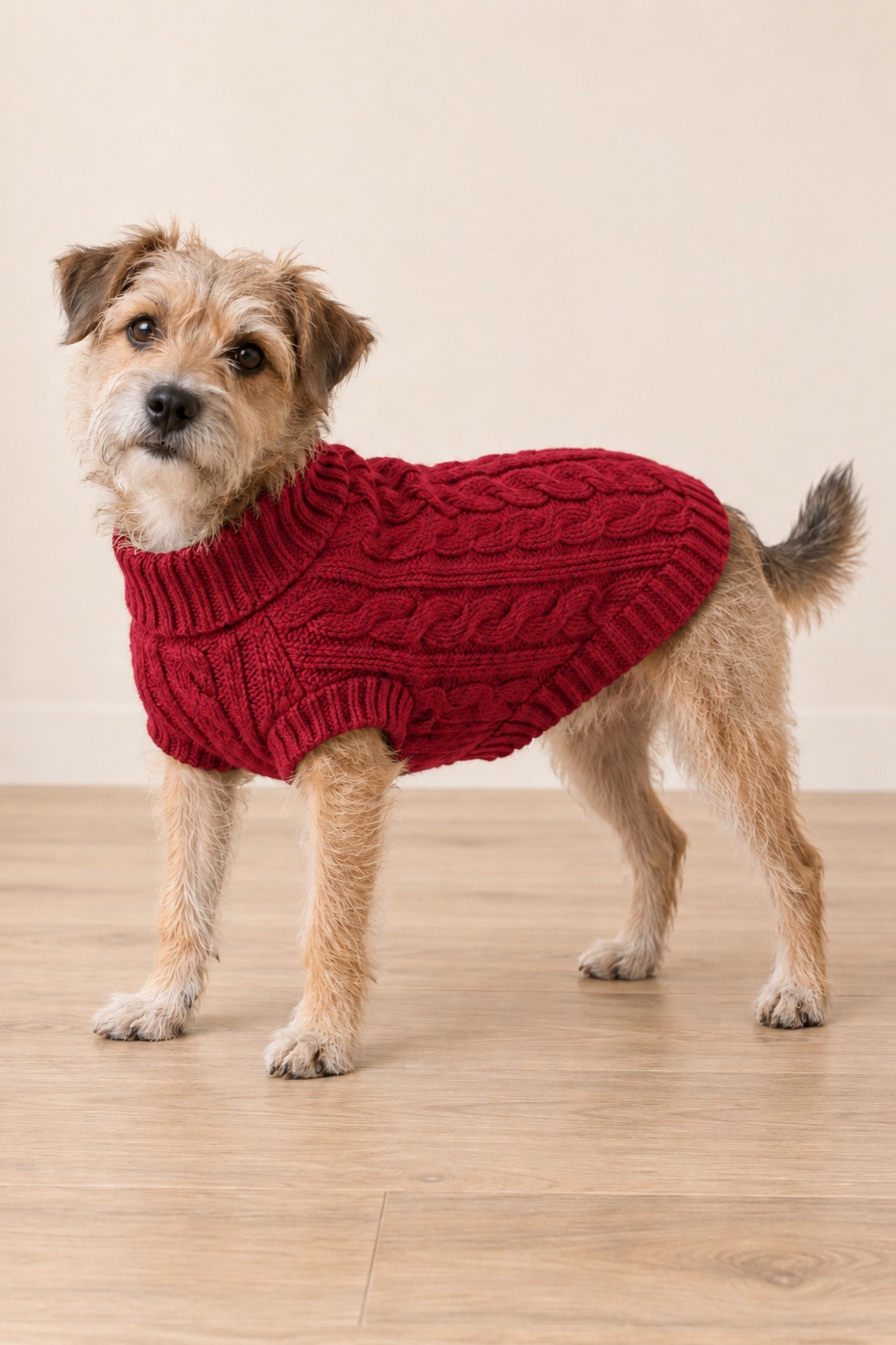
02 · Line sites
Show a line between appointments
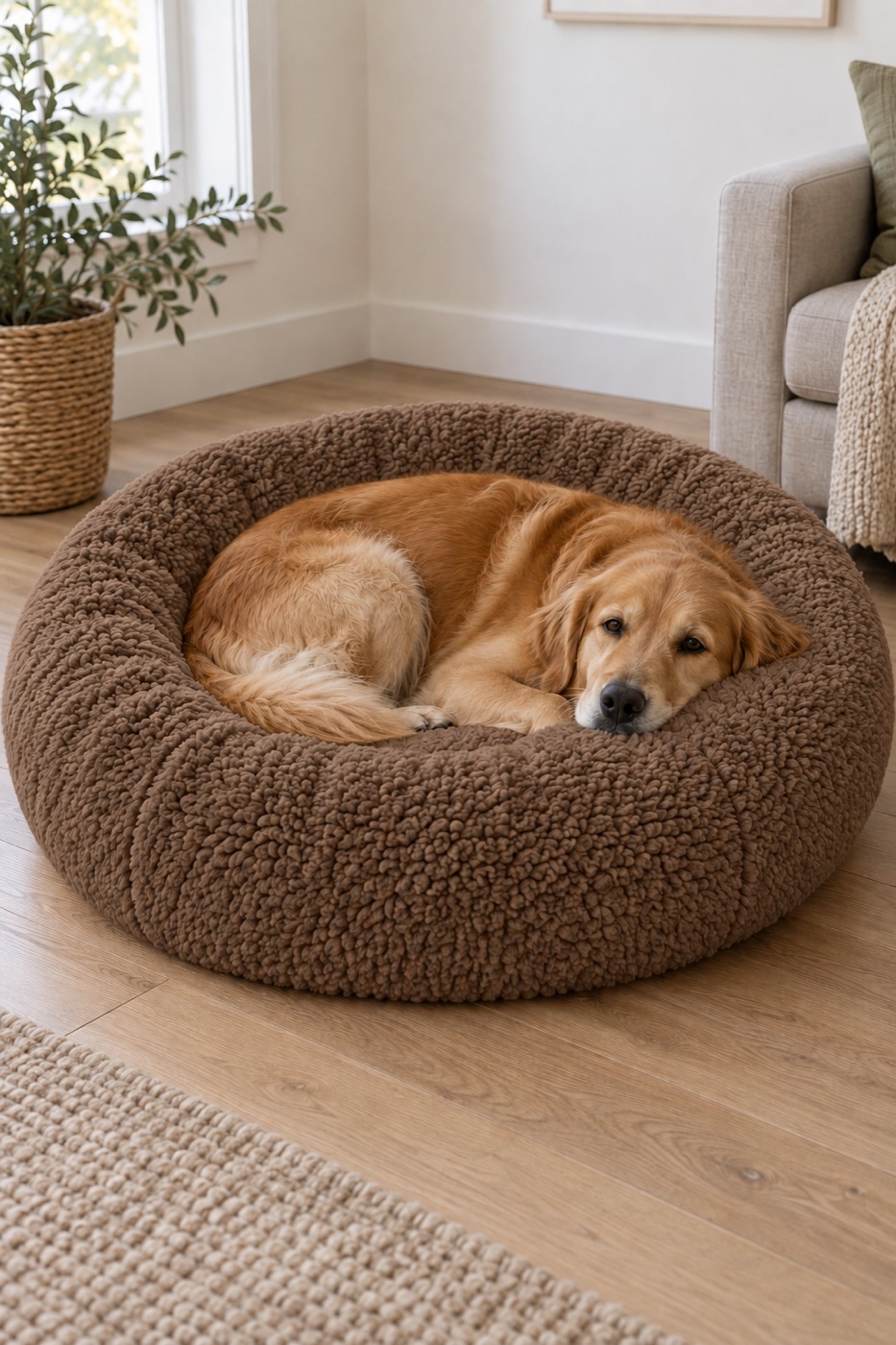
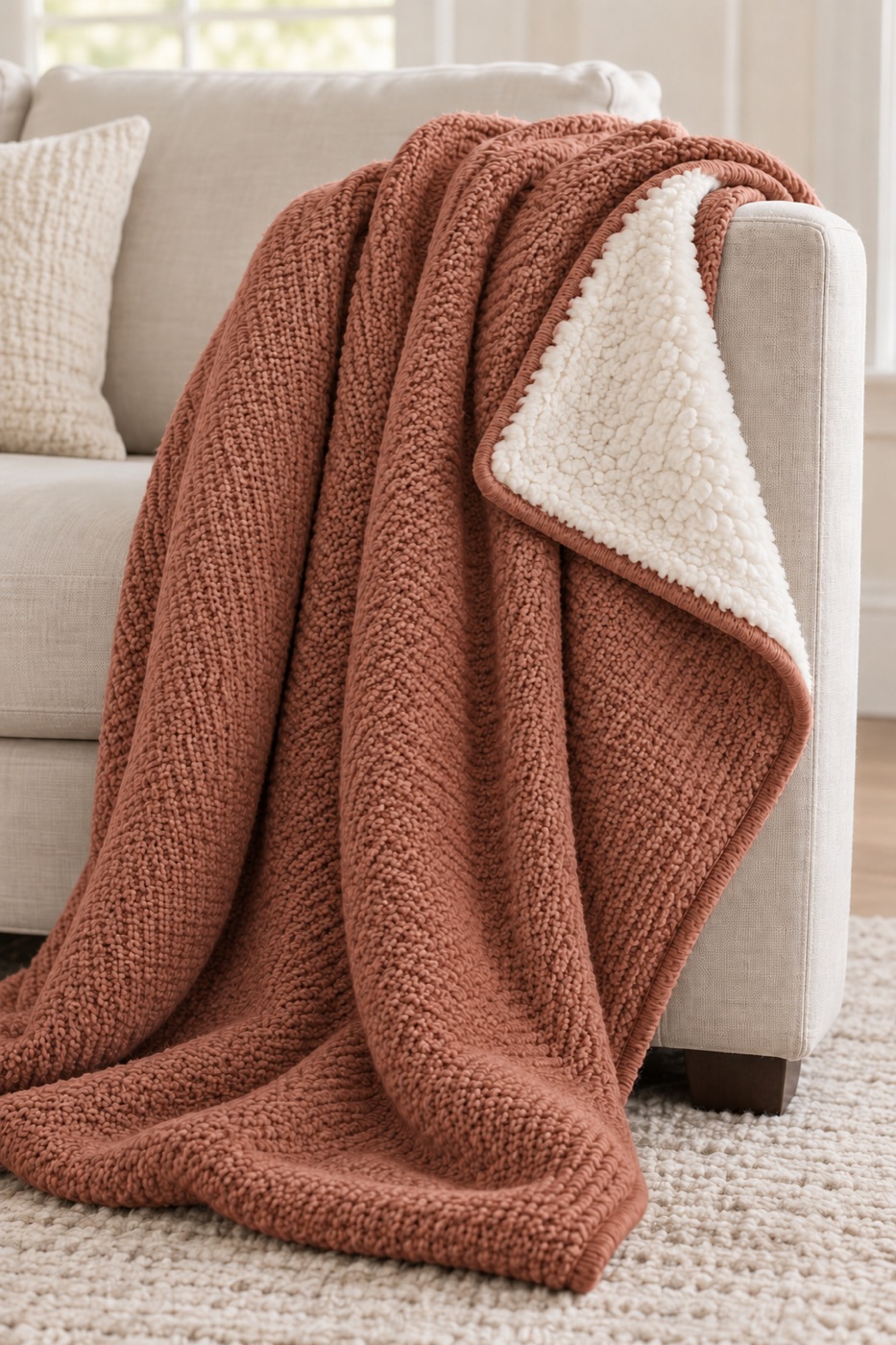
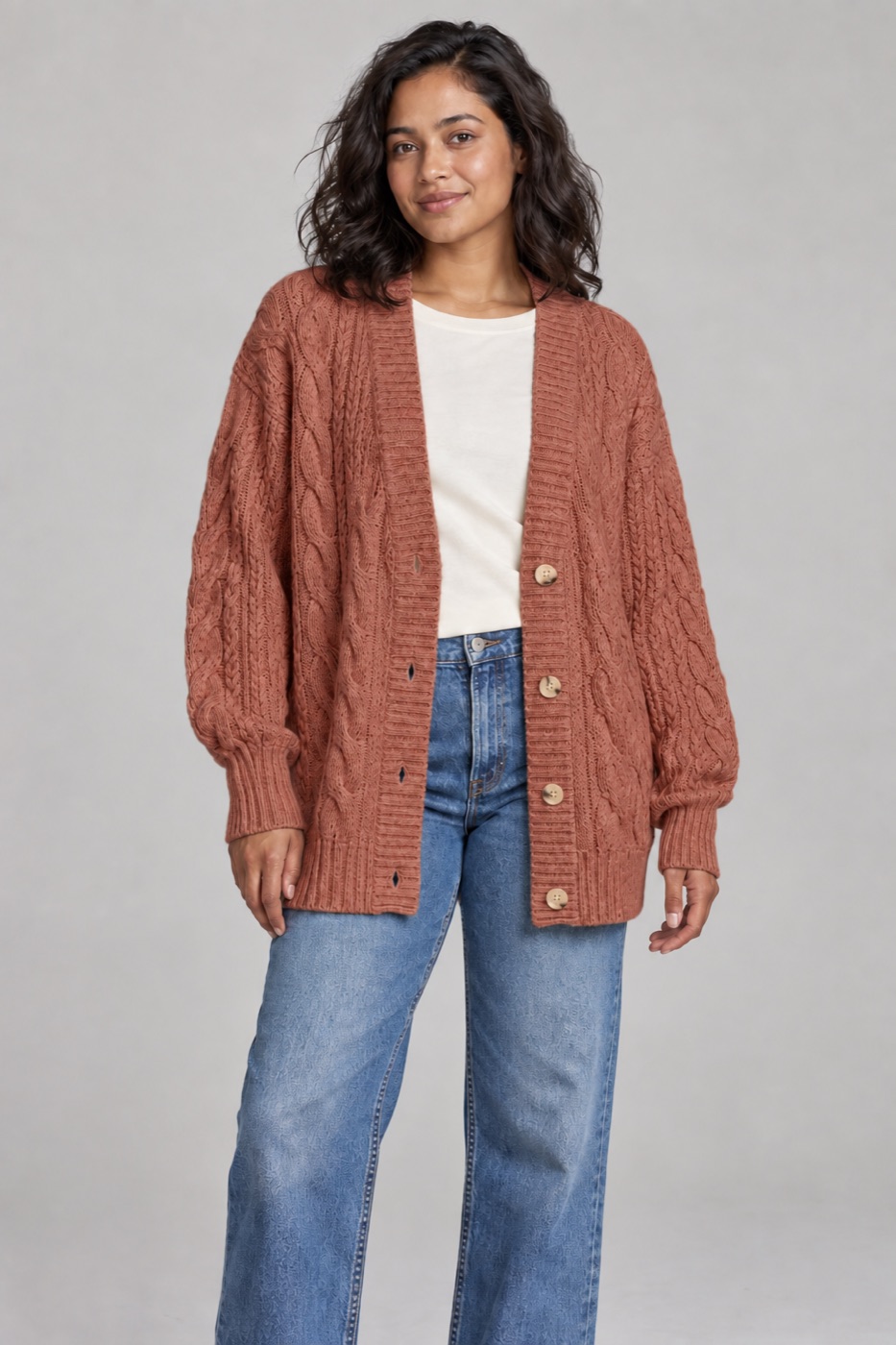
A private site for one buyer with every style in every colorway, shown as a photo or CAD. They pick, pass or ask for changes color by color, and you get their picks back. Units and target pricing can be added for buyers who want them.
Before an appointment
A preview, so the buyer walks in already knowing the line.
After an appointment
Everything you showed, so they can decide when they're ready.
New development
New styles and colorways without waiting for the next market.
03 · Also available
Around every buyer meeting
Added as you need them, on the same private links.
Meeting recaps
What you showed, what the buyer picked, and the follow-ups you owe them.
See an example →Sample tracking
Which samples went to which buyer, where each one stands, and what they said.
See an example →Colorways & visuals
Extra colorways, CAD flats and lifestyle images from your CADs.
See an example →Teaser videos
A short video to send with any link, like the one above.
Watch →All-buyer dashboard
Every buyer's feedback and picks in one place, with a weekly summary email.
See an example →How it works
We build it from what you have
Your CADs, photos, line sheets and order sheets. Nothing new for your team to make.
Your buyer opens one link
On any device. No login, no app, nothing to install.
You get the report
Every rating, pick and note in one place, sent to whoever you choose.
We keep it current
New deliveries, new lines and new buyers are added as you go.
Private by design
Your line, your orders and your buyers' answers stay between you and each buyer.
One private link per buyer
A long, unguessable link, with an optional passcode. Each buyer only ever sees their own site.
Your reports stay yours
Responses and reports sit behind your team's sign-in. Buyers never see them.
You stay in control
Turn any link off at the end of a season. Nothing is searchable, and your data is removed on request.
Want this for your buyers?
Fifteen minutes is enough to pick a first buyer and the orders to start with.